Swiftly Studio is now inside Premiere Pro
Premiere Pro now with Reframe, Remove BG, Upscale, Draw to Edit, and AI video & image generation — five pro tools, no exports, no switching apps.
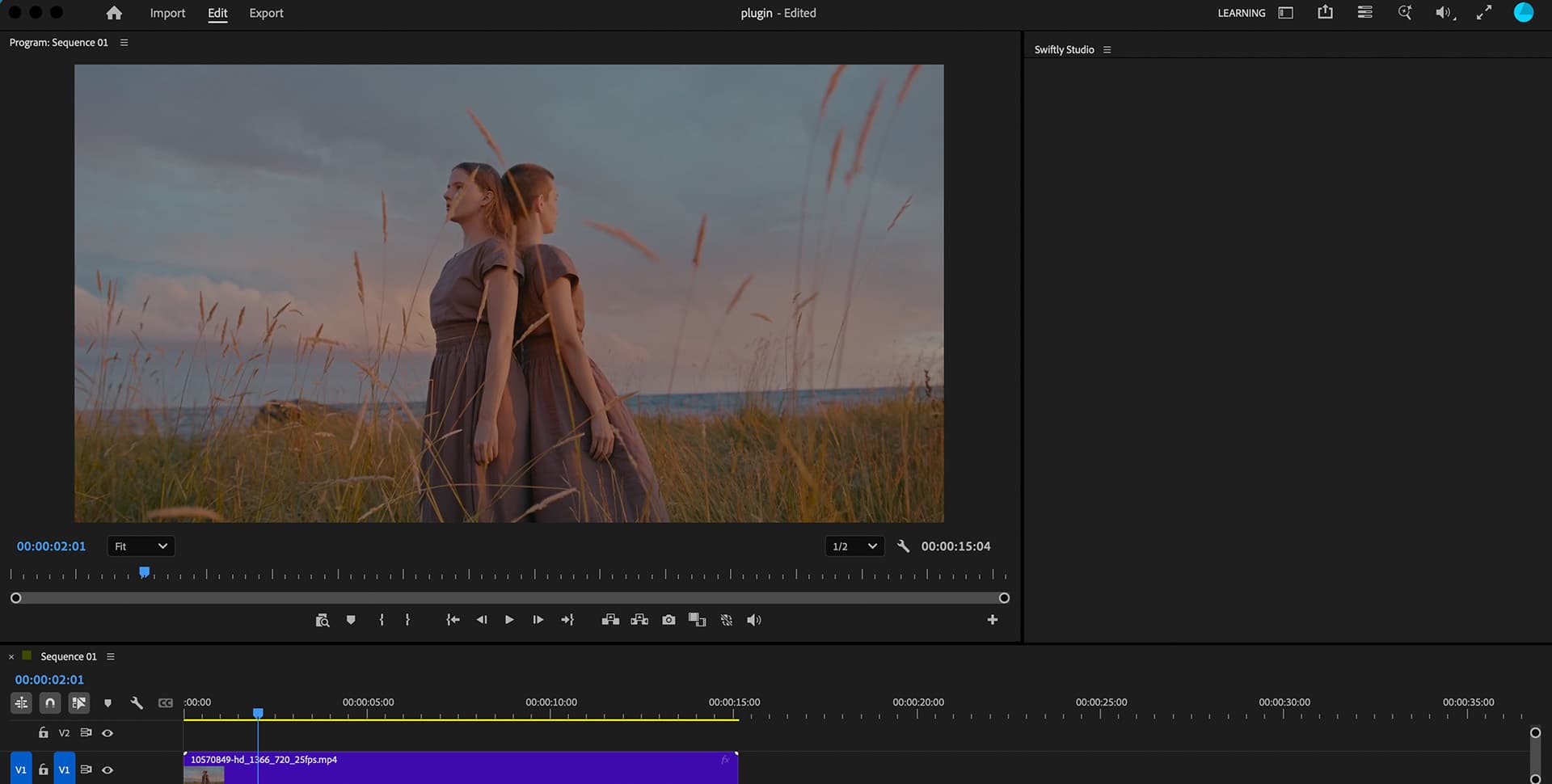
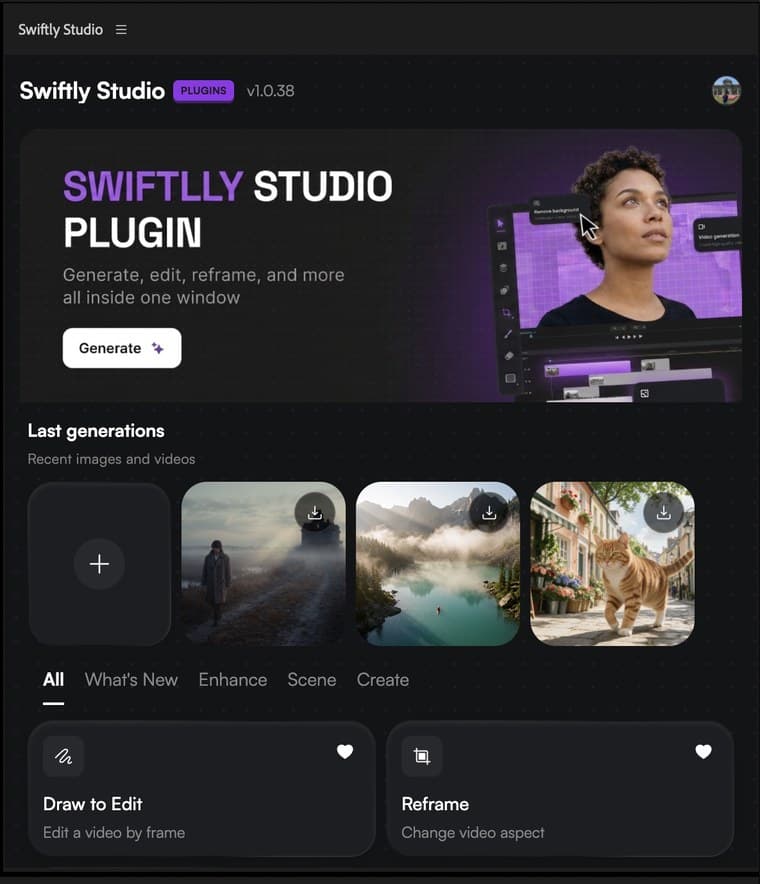
Three steps to get started
Download the installer
Click Download for macOS below. The native installer runs on both Apple Silicon and Intel — no helper app required.
Run the installer
Open the .pkg and follow the steps. It installs the Swiftly Studio panel for Premiere Pro automatically.
Open Premiere Pro, find Swiftly
Launch Premiere Pro, then go to Window → Extensions → Swiftly Studio. Every tool is ready right in the panel.
Built for the work that actually ships
Generate AI Video
Create any clip with natural language — scenes, characters, B-roll, or camera moves. Describe what you want and the result drops straight into your timeline.
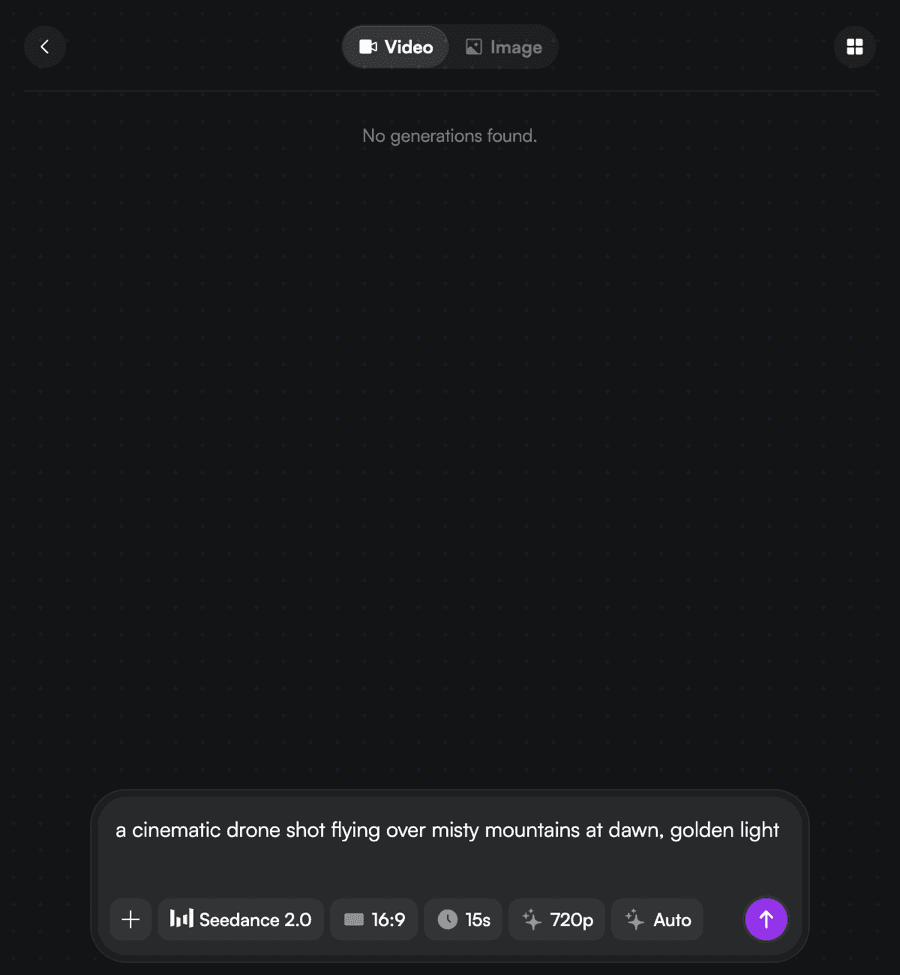
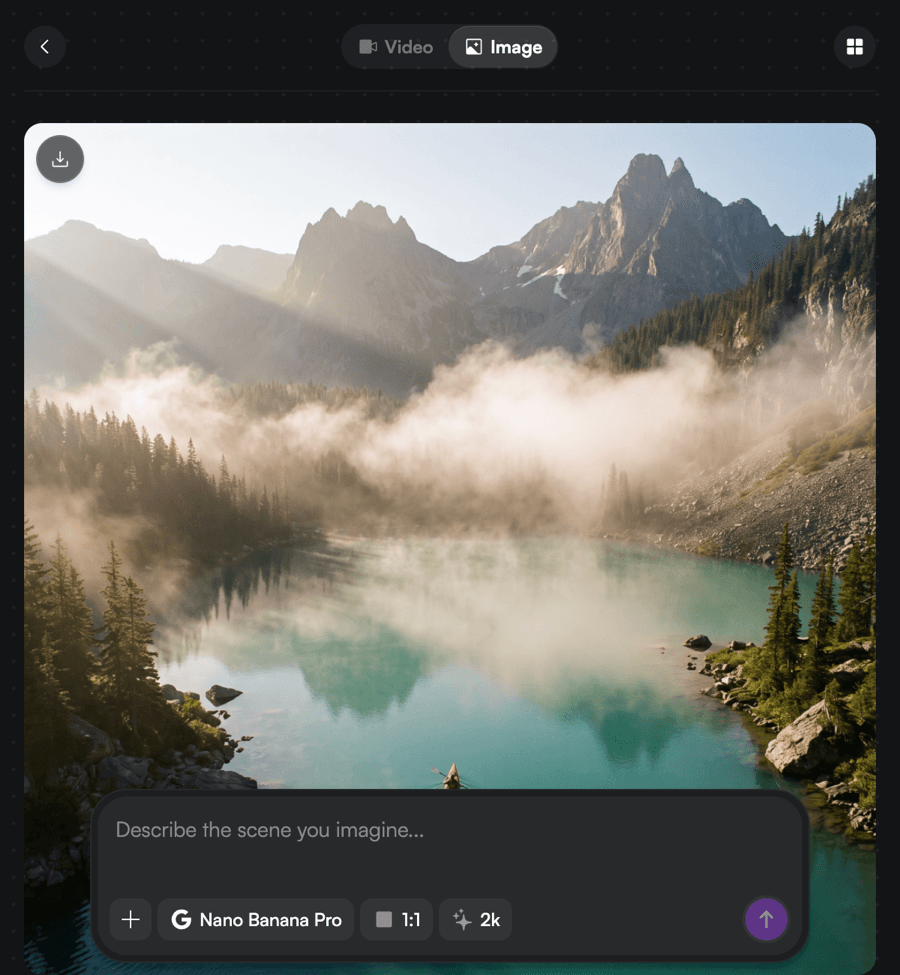
Generate AI Image
Build backgrounds, overlays, title cards, or scene elements from a prompt. Generated and placed without ever leaving the app.
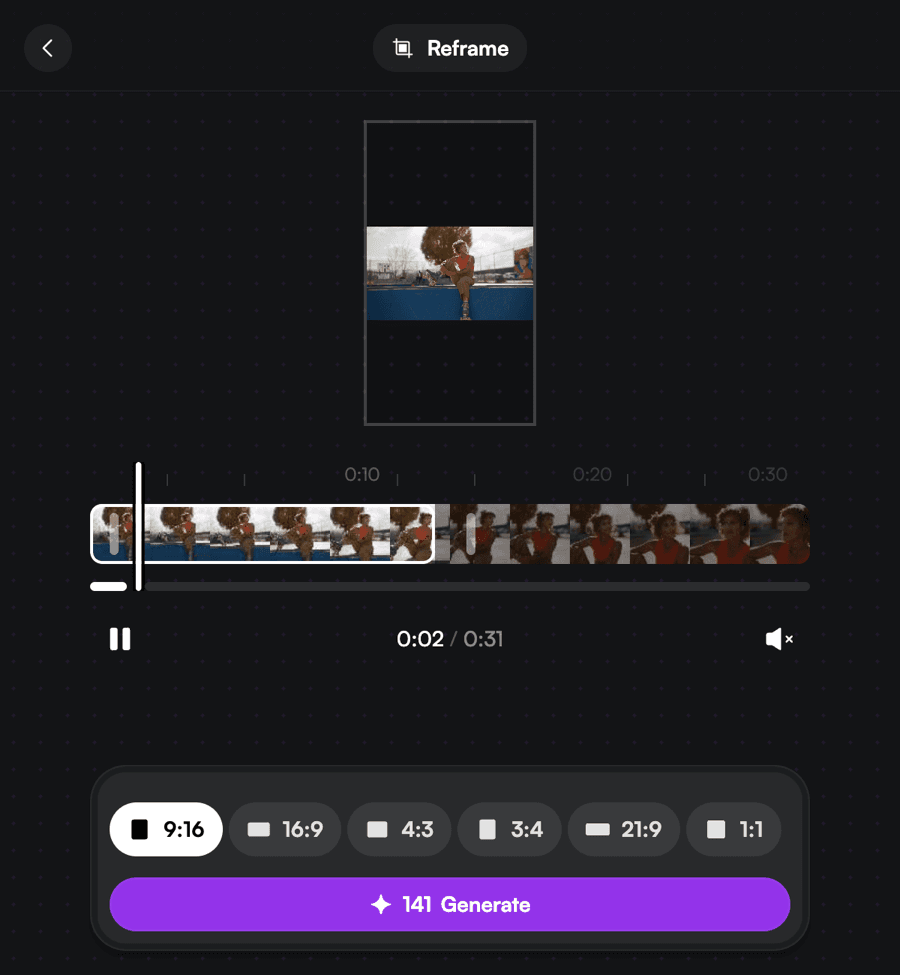
Reframe
Crop any clip to 9:16, 16:9, 1:1, 4:3, or 3:4 in one click. Smart subject tracking keeps the focal point centered as the aspect ratio changes — no manual keyframes.
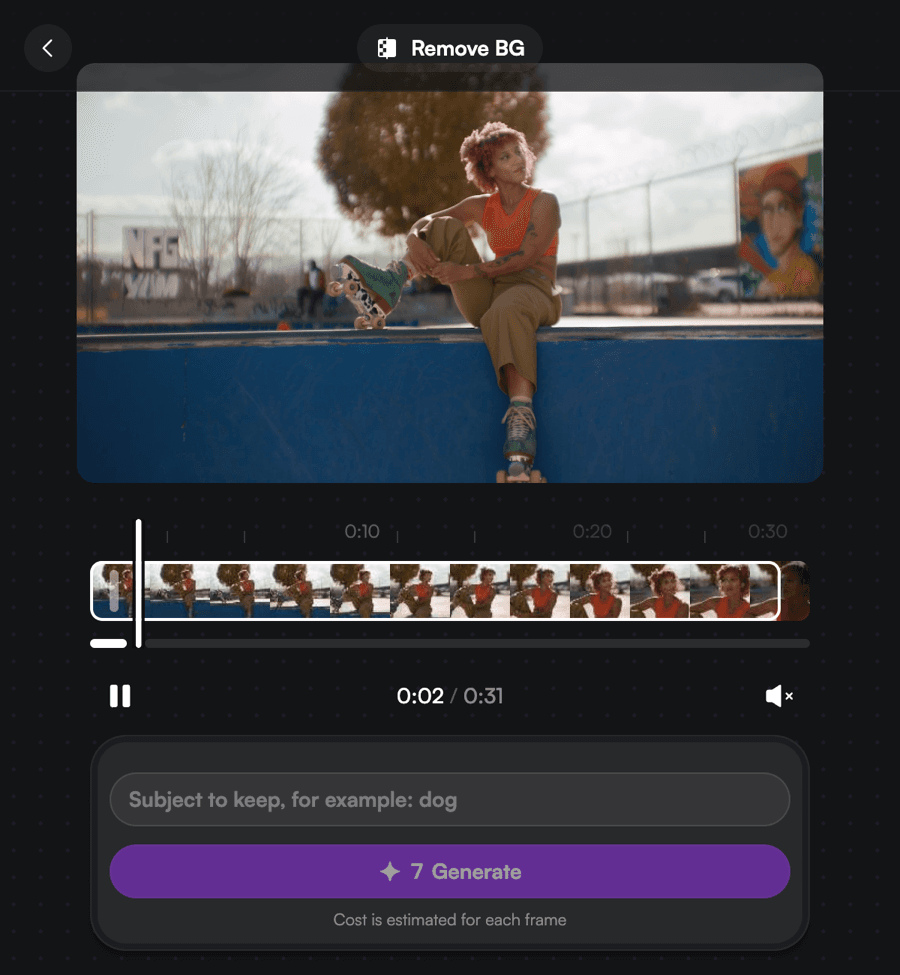
Remove Background
Pull a clean key from any footage — no green screen. AI detects subjects with pixel-level precision: sharp edges, fine hair detail, and a true alpha channel.
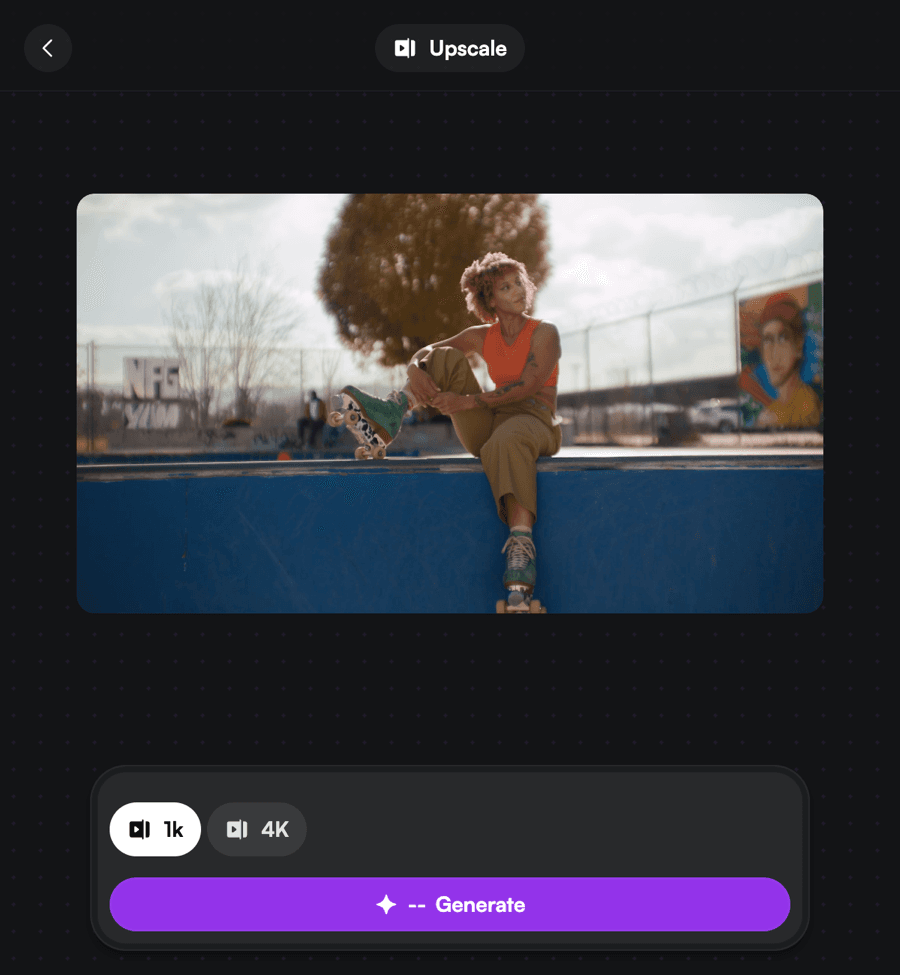
Upscale
Boost any clip to 4K with real detail recovery, not just pixel stretching. Restore archive footage and deliver crisp, modern quality from low-res sources.
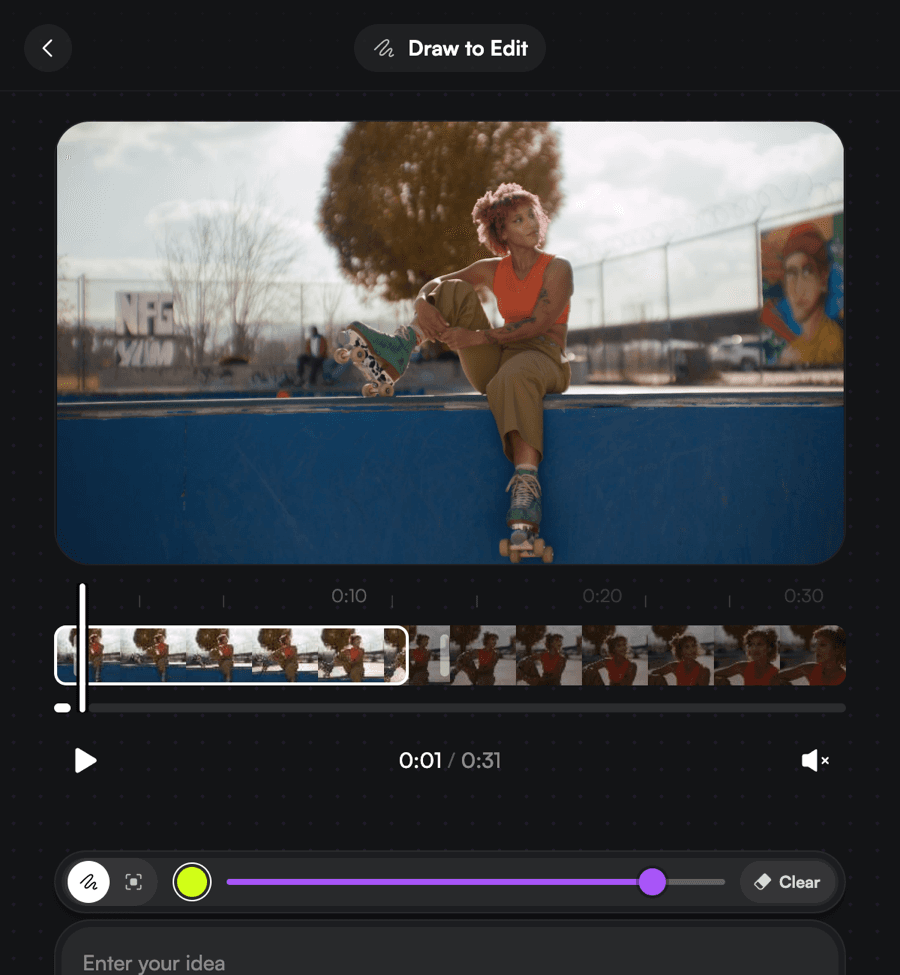
Draw to Edit
Sketch directly on the frame to tell Swiftly what to change — remove objects, add elements, or replace whole areas with a single brush stroke.
One installer, both apps
A single download installs Swiftly Studio for Adobe Premiere Pro 2024+ and After Effects 2024+. DaVinci Resolve support is on the way.
macOS · Apple Silicon + Intel · v1.0.41
Pick your plan
Get more generations and priority access to new features — spent as a monthly credit allowance, per generation.
- ✓120 credits / mo
- ✓Up to 2 parallel generations
- ✓All image + video models
- ✗Priority queue
- ✗Early-access models
- ✗Free generations on marquee models
- ✓600 credits / mo
- ✓Up to 3 parallel generations
- ✓All models & features
- ✓Priority queue
- ✓Commercial use
- ✗Early-access models
- ✓1,800 credits / mo
- ✓Up to 8 parallel generations
- ✓Highest priority
- ✓Early-access models
- ✓Commercial use
Credits are spent per generation. Failed generations are refunded. By subscribing you agree to our Terms of Use and Refund Policy.
Got any questions left?
How do I install Swiftly Studio on macOS?+
Download the .pkg below, open it, and follow the installer. If Premiere Pro is open, restart it afterward to load the panel.
Is Windows supported?+
Yes. macOS gets a native .pkg installer; the Windows download is the cross-platform .zxp package, installed with any ZXP installer.
The panel isn't showing up in Premiere Pro. What now?+
Make sure you're on Adobe Premiere Pro 2024 or later, fully restart it, then look under Window → Extensions → Swiftly Studio.
Do I need to restart Adobe after installing?+
Yes — if Premiere Pro was open during the install, restart it so the extension loads.
Which versions of Adobe are supported?+
Adobe Premiere Pro 2024+ and After Effects 2024+. DaVinci Resolve support is coming soon.
Does it work on both Apple Silicon and Intel Macs?+
Yes. Swiftly Studio runs inside Adobe on both Apple Silicon (M-series) and Intel Macs — there's nothing architecture-specific to set up. On Windows, we support 64-bit Windows 10 and 11.
Do I need an internet connection to use it?+
Yes. Generations run on Swiftly Studio's servers, so you'll need an active connection while creating and to be signed in from the panel. The finished result is sent straight back into your Premiere Pro timeline.
Which tools are included in the install?+
One install adds every tool to the panel: AI video and image generation, Reframe, Remove Background, Upscale, and Draw to Edit — no separate downloads.
Do I need a subscription to use it?+
New accounts get starter credits for free. Paid plans add a monthly credit allowance and priority access.
Can I use it for commercial projects?+
Yes — commercial use is included on the paid plans.
Bring Swiftly into Premiere Pro
Install once and generate, reframe, key, and upscale without leaving your timeline.
macOS · Apple Silicon + Intel · v1.0.41