AI generation, inside your timeline
Generate AI video & images, reframe, remove backgrounds, and upscale to 4K — right inside Adobe Premiere Pro & After Effects. No exports, no switching apps.
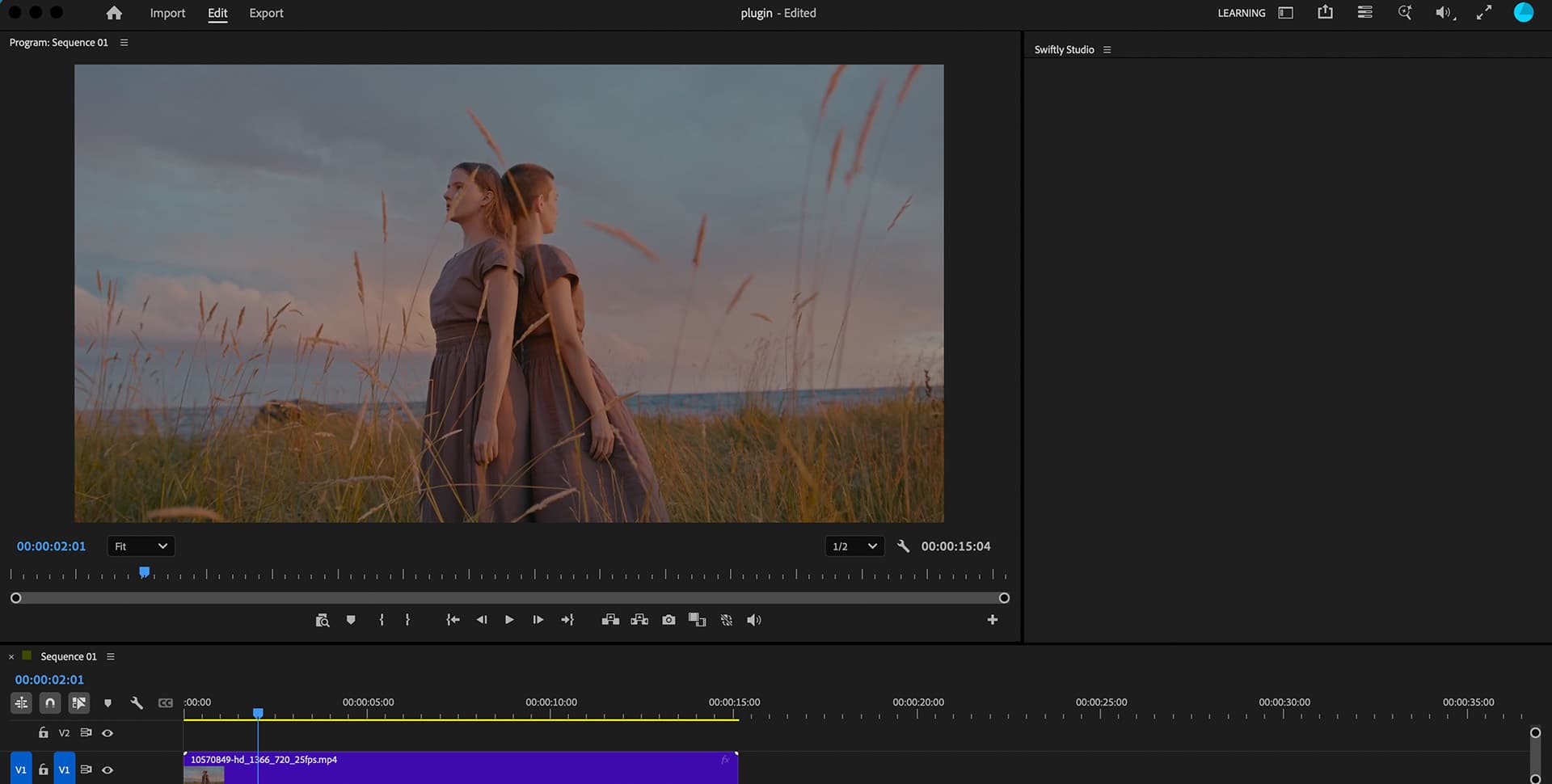
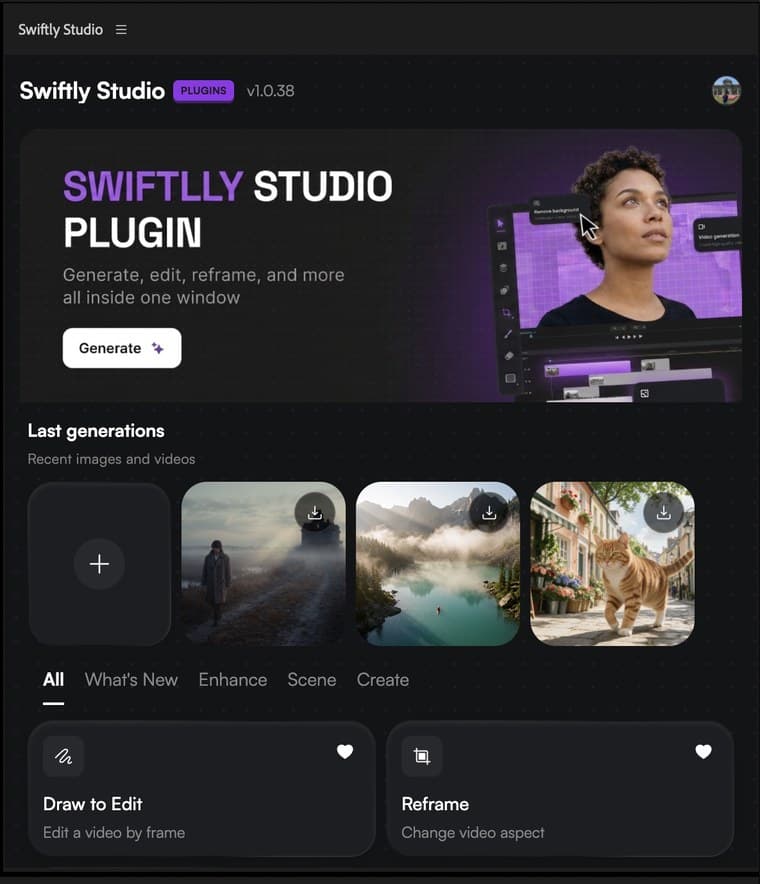
Since 2019, this team has shipped transitions & LUTs to thousands of editors. Swiftly Studio is the next chapter — the AI toolkit, inside the timeline.
Everything, in one panel
Six pro tools, built into the Swiftly Studio panel.
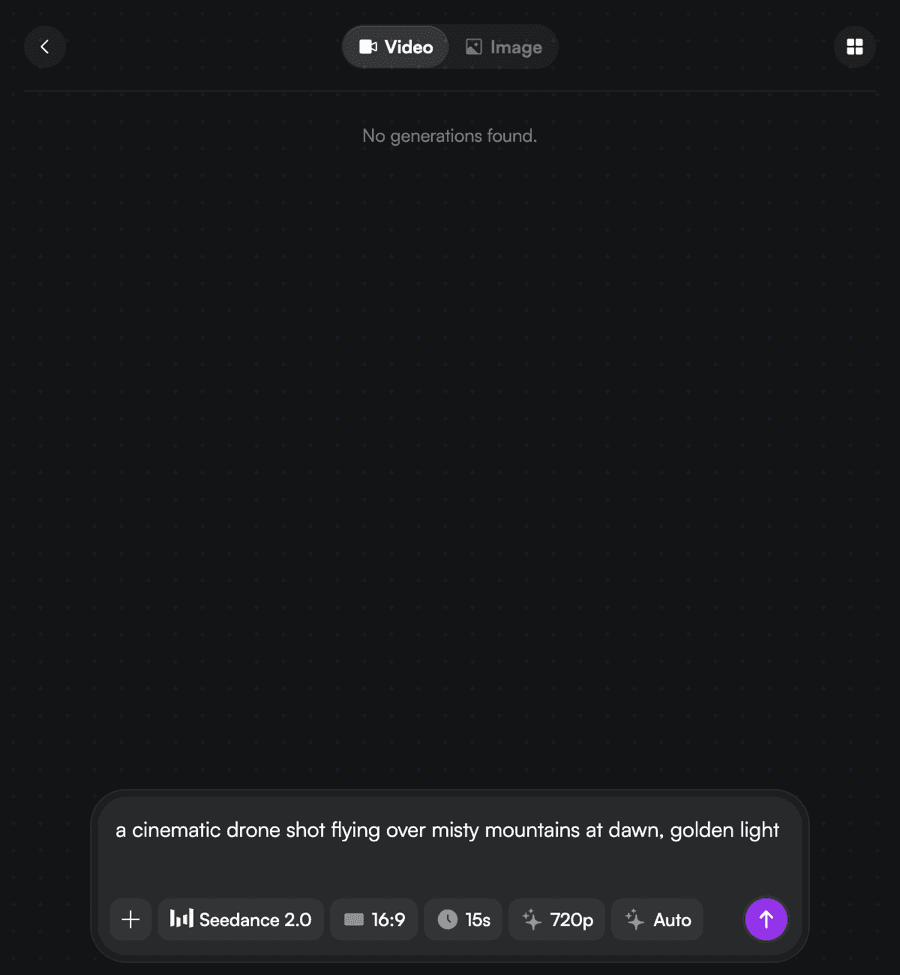
Generate AI Video
Scenes, B-roll, characters, camera moves — from a prompt.
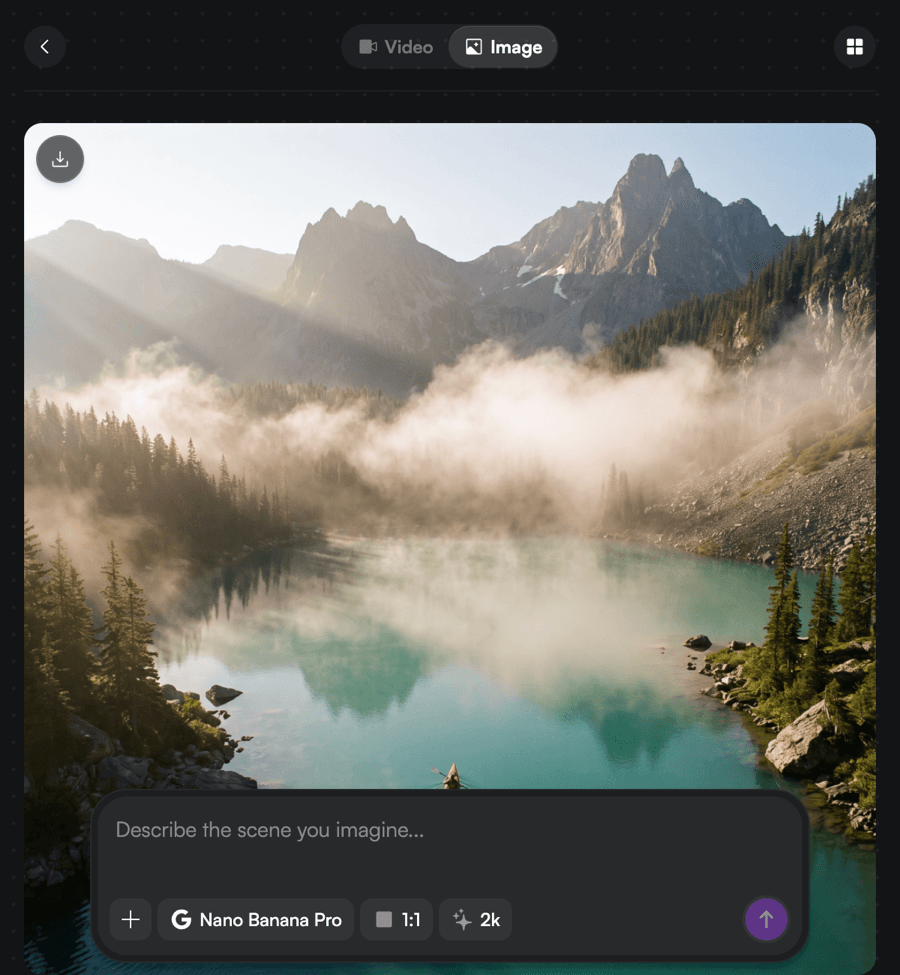
Generate AI Image
Backgrounds, overlays, title cards, scene elements.
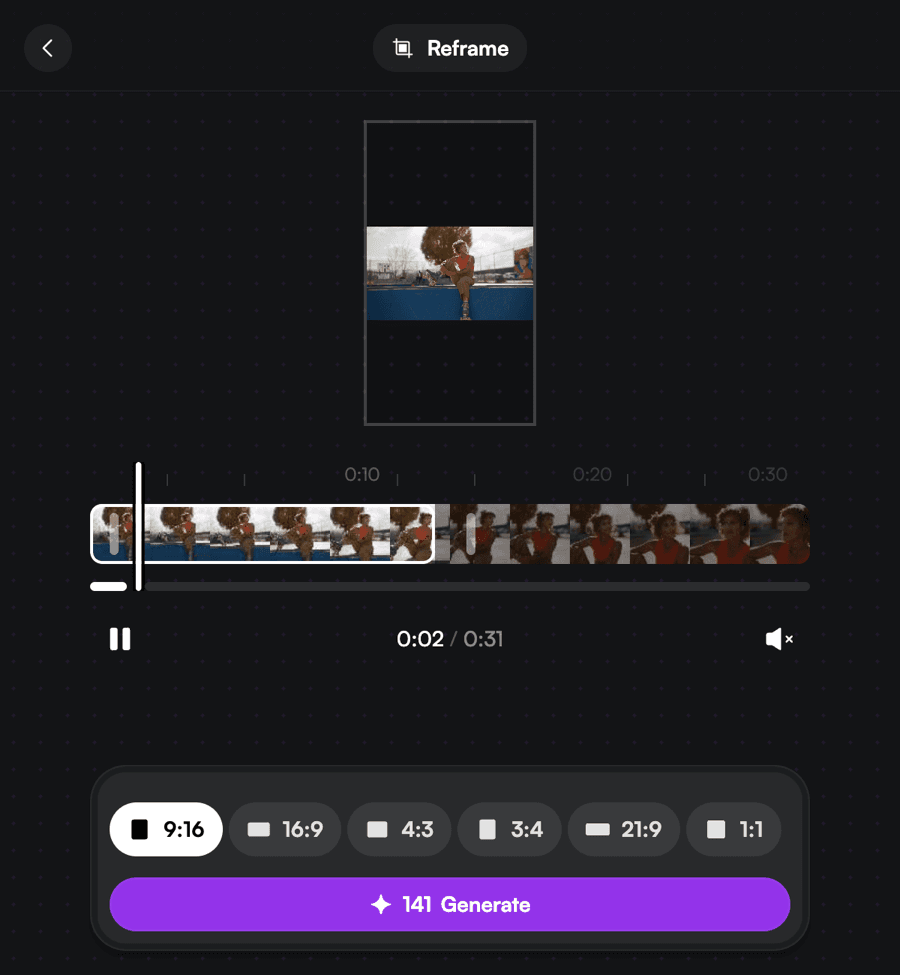
Reframe
One-click crop to any aspect with subject tracking.
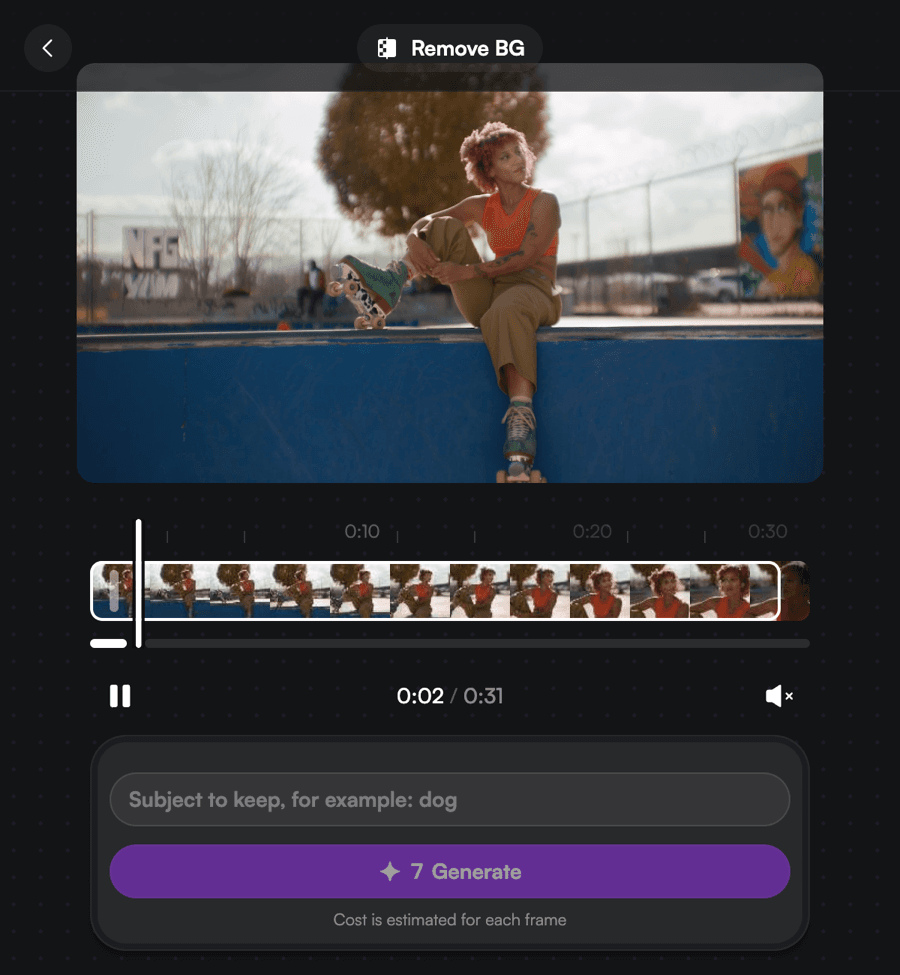
Remove Background
Clean key from any footage — no green screen.
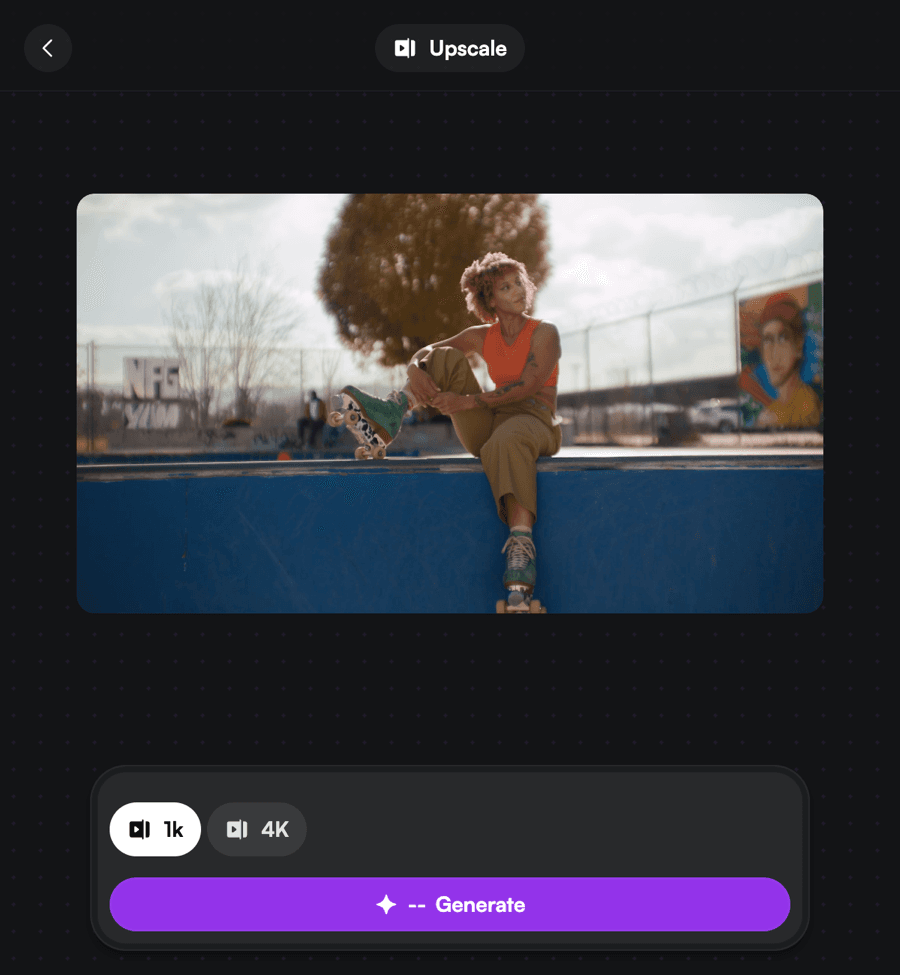
Upscale
Boost any clip to crisp 4K.
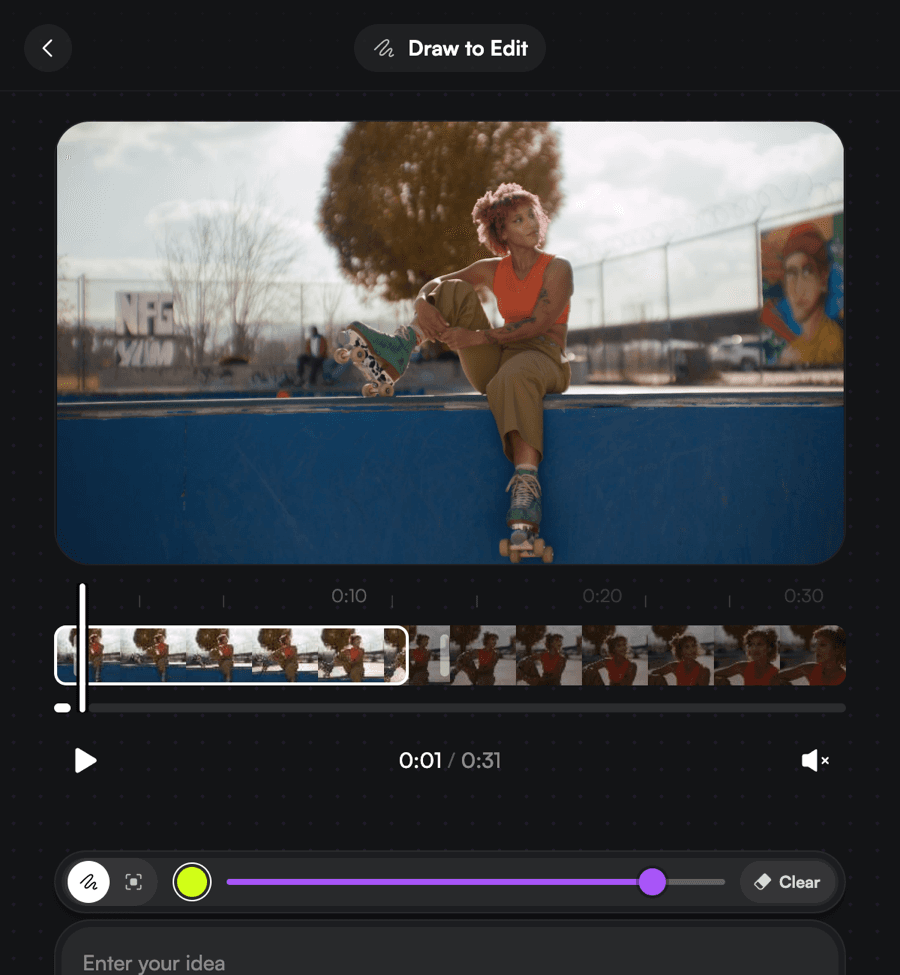
Draw to Edit
Sketch on the frame to change anything.
Three steps to get started
Download the installer
One download for macOS (Apple Silicon + Intel) or Windows. No helper app required.
Run the installer
It installs the Swiftly Studio panel for Premiere Pro and After Effects automatically.
Open Adobe, find Swiftly
In Premiere Pro or After Effects: Window → Extensions → Swiftly Studio. Every tool is in the panel.
One plugin, both apps
A single download installs Swiftly Studio for Premiere Pro 2024+ and After Effects 2024+.
macOS · Apple Silicon + Intel · v1.0.41
DaVinci Resolve is next
In developmentThe same panel, the same credits — coming to Resolve. Until then, every tool is live in Premiere Pro & After Effects.
Pick your plan
Get more generations and priority access to new features — spent as a monthly credit allowance, per generation.
- ✓120 credits / mo
- ✓Up to 2 parallel generations
- ✓All image + video models
- ✗Priority queue
- ✗Early-access models
- ✗Free generations on marquee models
- ✓600 credits / mo
- ✓Up to 3 parallel generations
- ✓All models & features
- ✓Priority queue
- ✓Commercial use
- ✗Early-access models
- ✓1,800 credits / mo
- ✓Up to 8 parallel generations
- ✓Highest priority
- ✓Early-access models
- ✓Commercial use
Credits are spent per generation. Failed generations are refunded. By subscribing you agree to our Terms of Use and Refund Policy.
Got any questions left?
What is Swiftly Studio?+
A panel that runs inside Adobe Premiere Pro and After Effects: AI video & image generation, Reframe, Remove Background, Upscale, and Draw to Edit — results drop straight into your timeline, no exports.
Which apps and versions are supported?+
Adobe Premiere Pro 2024+ and After Effects 2024+, on macOS (Apple Silicon and Intel) and 64-bit Windows 10/11. DaVinci Resolve support is in development.
How does pricing work?+
Plans include a monthly credit allowance, spent per generation. Failed generations are refunded automatically. New accounts start with free credits — no card required.
Do I need an internet connection?+
Yes. Generations run on Swiftly Studio's servers, so you'll need a connection while creating; finished results are sent straight back into your timeline.
Can I use it for commercial projects?+
Yes — commercial use is included on the paid plans.
When is DaVinci Resolve coming?+
It's in development. The same panel and the same credits will carry over — today Swiftly runs in Premiere Pro and After Effects.